
Classic or Remastered graphics
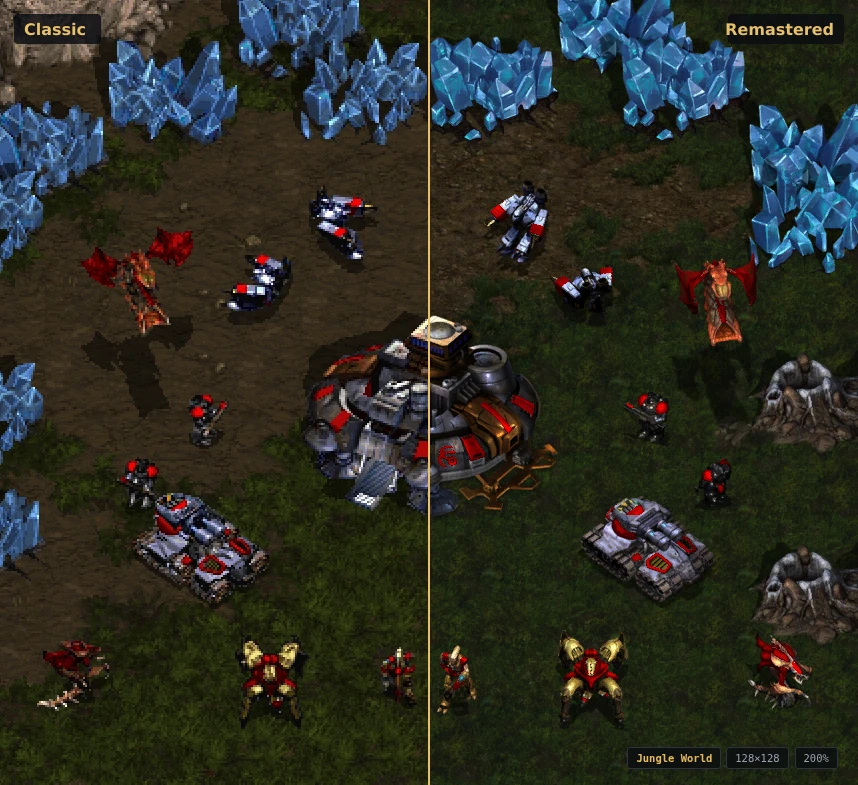
The editor can draw a map with the classic graphics or with StarCraft: Remastered's. View ▸ Remastered Graphics switches between them at any time, for the terrain, the units and the sprites together. The switch changes only how the map is drawn. It does not touch the map, and the brushes behave the same with it on or off.
Remastered's pictures have twice the detail, which shows most when you zoom in: at 200% they are drawn pixel for pixel, where the classic ones are each pixel doubled.
The Remastered graphics come from a Remastered installation:
- If you chose your Remastered folder when the editor first asked for the game's files, they are installed and already on.
- If you installed from a classic copy or Blizzard's download, open Help ▸ Game Data… and choose Add StarCraft: Remastered… under Data sets, then pick the folder Remastered is installed in.
The editor keeps a copy of what it needs (a few hundred MB), so this happens once. Installing has the steps in full.
Remastered's files also add several hundred doodads to seven of the eight tilesets, and with them installed those doodads are in the Doodads palette, whichever look you draw with. A map that uses one depends on Remastered: it shows blank tiles in an editor with a 1.16 copy, and uses tiles the 1.16 game does not have. Maps that keep to the older doodads are unaffected. Tools ▸ Check Map… says when a map uses any of these tiles, how many, and where the first one is.
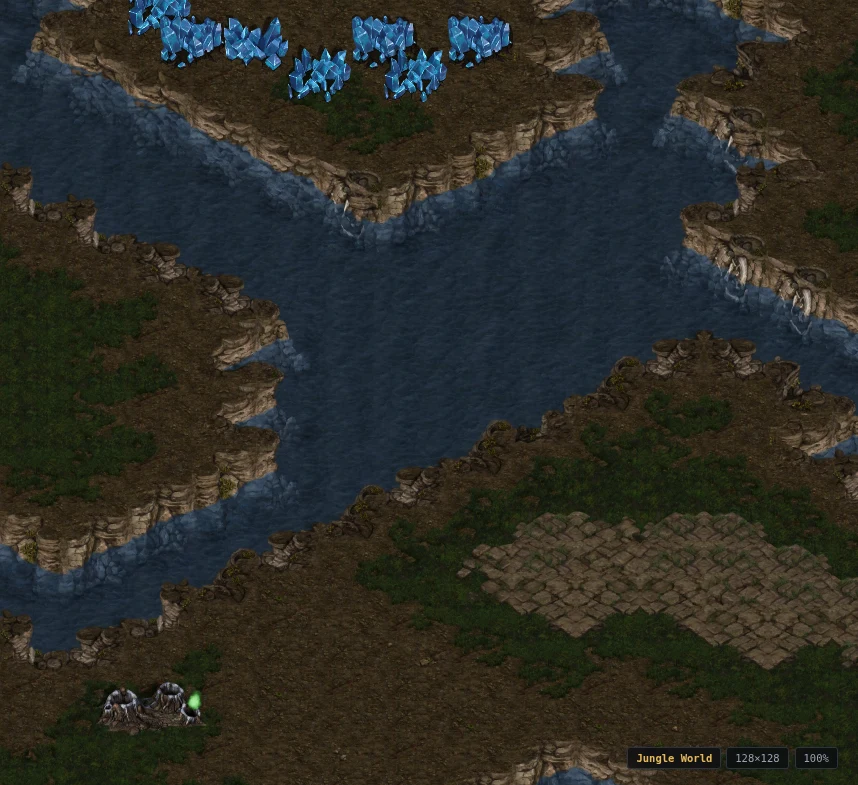
With View ▸ Animate Water on, water ripples and lava shimmers as they do in Remastered; Desert's tar stays still, as it does in the game. Preferences ▸ View ▸ Graphics sets how strongly and how fast, and whether the editor starts with the Remastered graphics on.
A few things differ from the game: units are drawn without its lighting, the minimap keeps the classic colours, and an exported map image has still water. game-data.md explains how the graphics are drawn.