
Terrain
Terrain is painted with four brushes, each a tab in the palette:
| Brush | Paints |
|---|---|
| Isometric | StarEdit's diamond brush. Sets the diamond under the cursor to a terrain and lays the cliffs and edges around it. The one to use for almost everything. |
| Rect | Flat ground of one terrain type, in left/right tile pairs with StarEdit's random variation mix. No cliffs, no edges. |
| Tile | Any single tile by number: cliff pieces, doodad tiles, anything the tileset has. |
| Blend | One tile next to a tile you picked, chosen from those whose facing edge continues it. |
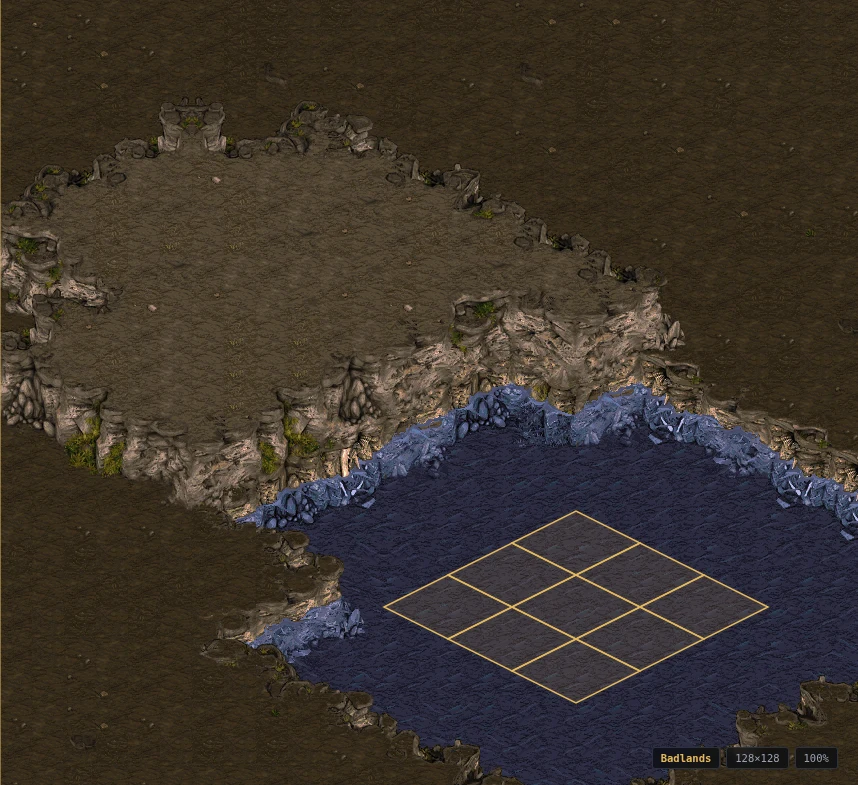
Drag to paint. [ and ] resize the brush from 1×1 to 7×7, Alt+click picks the terrain
or tile under the cursor, and right-click offers Pick and Fill Area. The Properties panel
breaks the tile under the cursor into group, slot, elevation, walkability and
buildability.
The isometric brush ripples outward as it paints: a neighbour that cannot legally border
the new terrain becomes the intermediate one, and cliff faces stack as tall as the
tileset draws them. A single click of high ground gives a small mesa; a wider brush gives
flat high ground inside a cliff ring. It needs the map's ISOM section, which is the
editor's own record rather than anything the game reads, and which protected maps often
strip. Where a map has none, the tab says so and the Repair plugin (Tools ▸ Repair Map…)
reconstructs it: exact for ground that was laid down isometrically, a best guess under
doodads and hand-placed tiles. The tab also warns when Rect or Tile edits have left the
record out of step with the terrain — but only where a rebuild would put it back. Ground
no diamond lattice can describe, which is what hand-placed tiles, blends and other
editors leave behind, is reported as what it is: the brush will not join up there, and
no tool can change that.
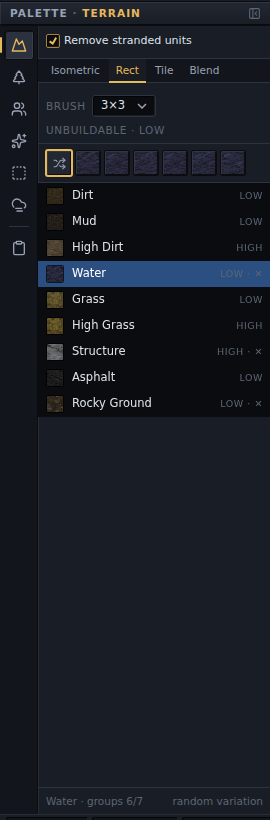
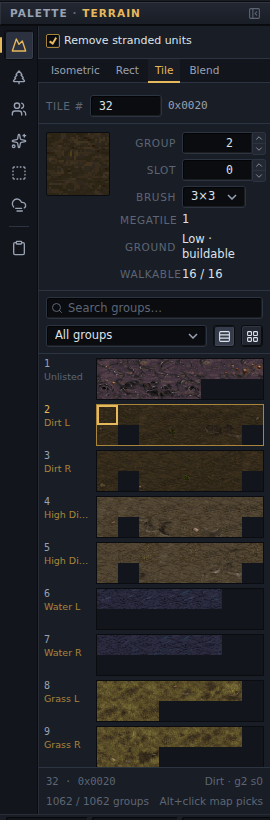
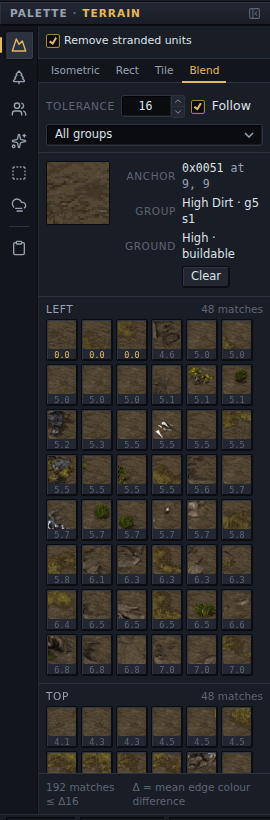
Rect lays the flat pairs and nothing else, which is what you want for filling an area you will shape afterwards, or for ground under a doodad. Tile is for the pieces the isometric brush will not give you: a single cliff tile, a doodad's tile, a corner the cliff sets do not have. Blend is for joins the cliff sets never had — dirt into a doodad's base, one edge set into another, a hand-laid shoreline: click a tile to make it the anchor, and the palette lists for each side the tiles whose opposite edge continues its pixels, best seam first, with the mean colour difference under each thumbnail. Rect, Tile and Blend leave the isometric record alone, which is what SCMDraft does in its non-isometric modes.
Two overlays on the View menu show what the ground means to the game:
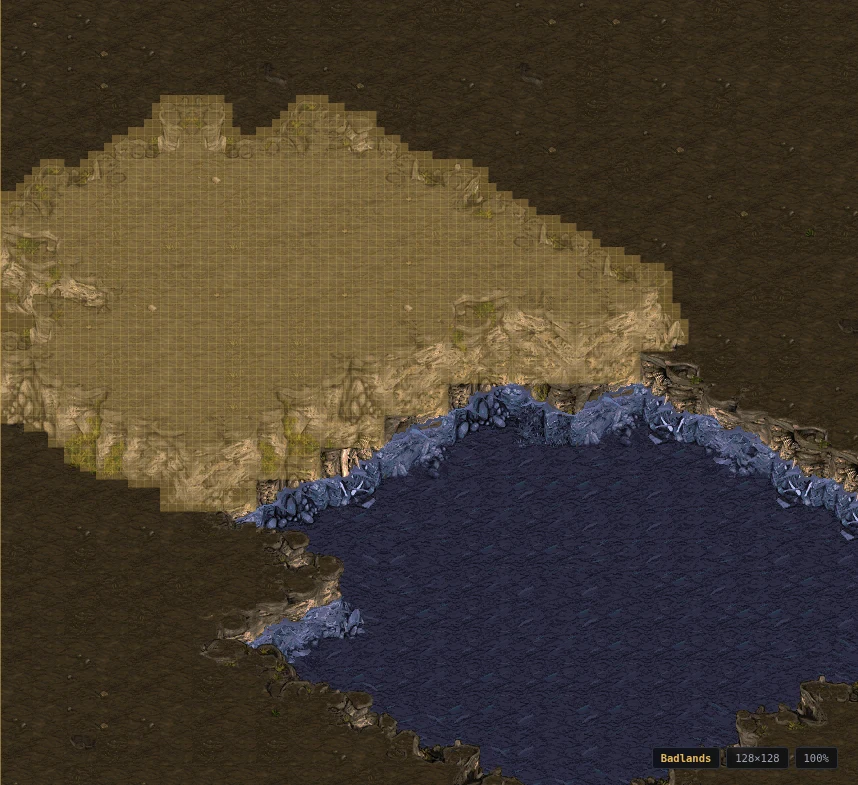
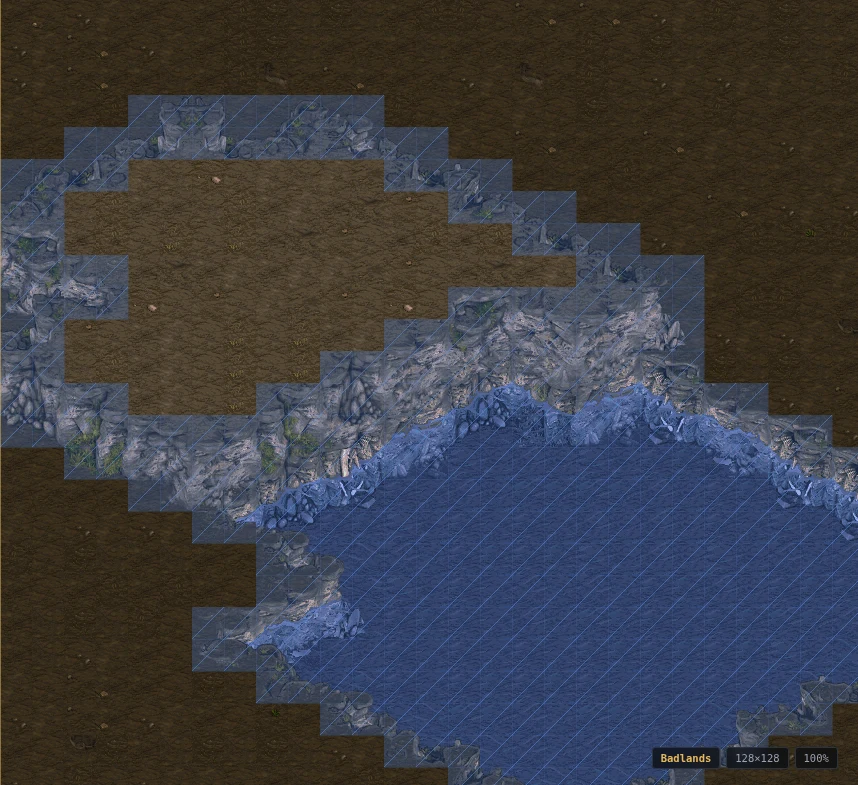
View ▸ Walkability (Ctrl+Shift+W) goes further and draws the ground as a unit walks it: islands, the areas the map divides into, the chokes between them with their widths, and the distances between start locations. File ▸ Import ▸ Terrain from Image… turns a picture into terrain with the isometric brush, over the whole map or a rectangle. Both are plugins, on from the start; see Plugins.
Tools ▸ Replace Terrain turns every tile of one terrain type (or one exact tile) into another, over the whole map or the area marked on the Cut / Copy / Paste layer; Fill Terrain lays the whole map anew. Both are one undo step.
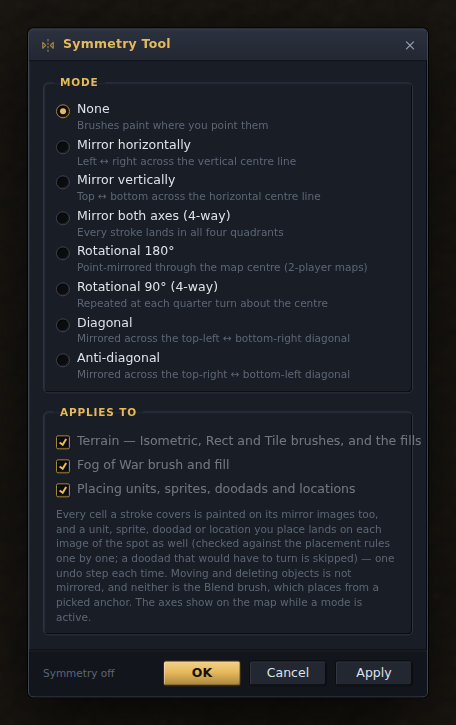
Tools ▸ Symmetry mirrors what you do across the map's axes or about its centre — every brush, the fills, and placing units, sprites, doodads and locations, each as one undo step. The axes show on the map while a mode is on, the ghost shows where the images will land, and a doodad that would have to turn is skipped. Blend, moving and deleting are not mirrored.
The Terrain palette's Remove stranded units tick deletes the units a stroke has just made illegal (a building now half on a cliff) as part of the same undo step.