
Command line
scmjs in a terminal: looking inside maps, making and changing them, maps in git and CI, a map's triggers run and tested in the game, replays, sharing, bots, plugins and AI tools, and every command on one page.
scmjs is scmJS in a terminal. It opens and writes maps with the editor's own code, so
the editor and the command always agree about a map. Use it to look inside maps and
replays, run Check Map in CI, keep maps in git, run a map's triggers in the game, share a
map, and build plugins and bots.
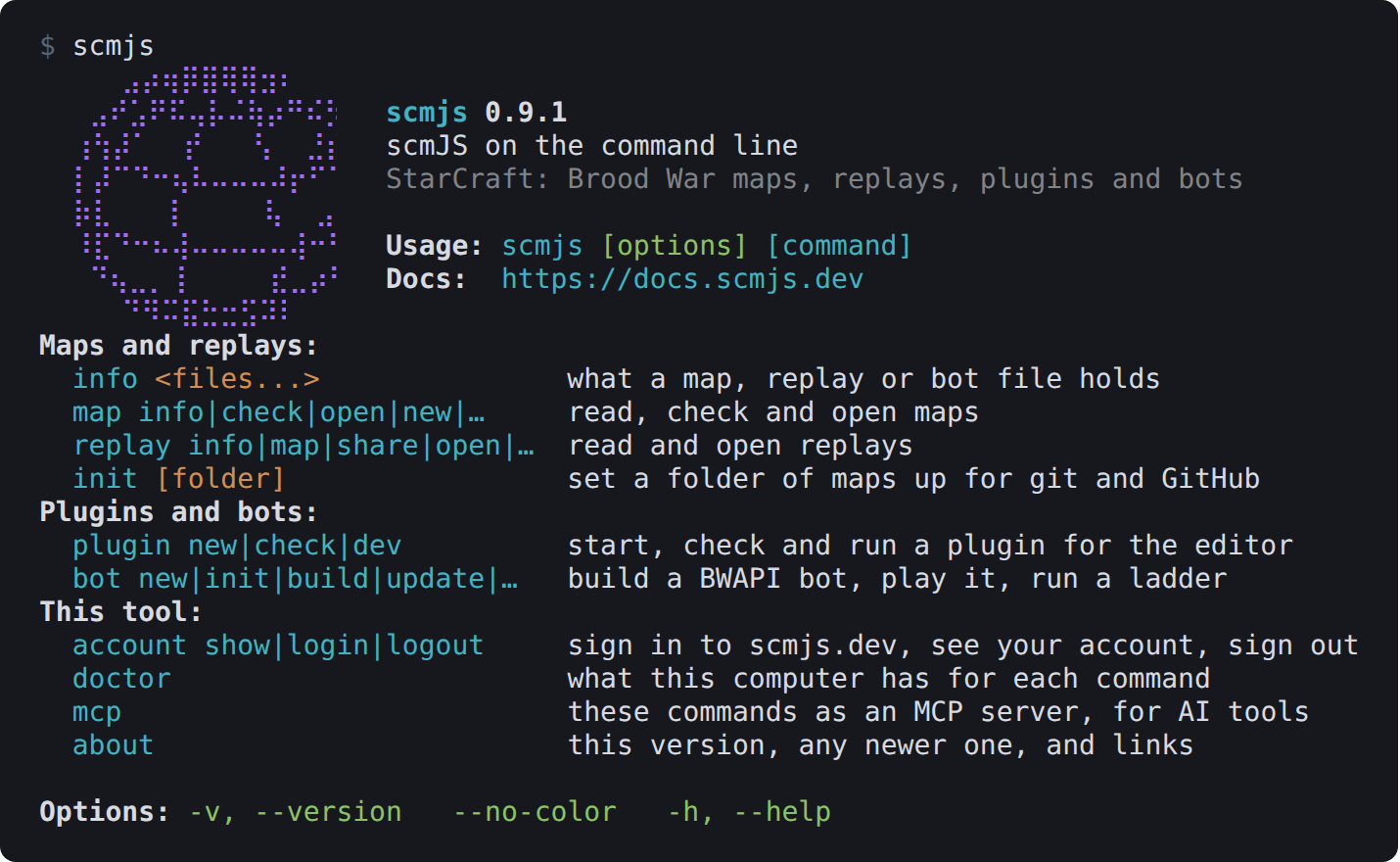
scmjs on its own: the commands, grouped by what they work on.
- Getting startedWith Node.js 22.12 or newer, install the command once with npm:
- Looking inside a mapThese commands read a map and change nothing.
- Making a mapscmjs map new ridge.scx writes the map File ▸ New makes: flat ground, eight open slots and nothing else, 128 × 128 Badlands unless you say otherwise.
- Changing a mapEach command here writes the map back over itself, or to another file with --out other.scx, and keeps everything else in the file as it was: its sounds and other files, and the way the sc…
- Maps in gitA map file is binary, so git on its own can only say that it changed, and cannot merge two changes to it.
- Running a map in the gameThese commands start the map in the game itself, the engine of the play page, with the game's files from your copy of StarCraft (what they need).
- Replaysscmjs replay reads replays from any version, from 1.16 to Remastered.
- Sharing from the terminalThese commands use your scmjs.dev account.
- Botsscmjs bot builds a BWAPI 4.4.0 bot, the C++ AI modules of the bot tournaments, into one .scmbot file, and plays it.
- For developersscmjs plugin new "Base Check" writes a plugin to start from in plugin-base-check/: its manifest, a plugin.ts that adds a Tools menu item, the Korean catalogue and the test that keeps it c…
- Command referenceEvery command, with a link to where this guide describes it.
- In the sourceFor developers.